
TinkerCAD
Ages 6-17 · free · Product · tinkercad.com ↗

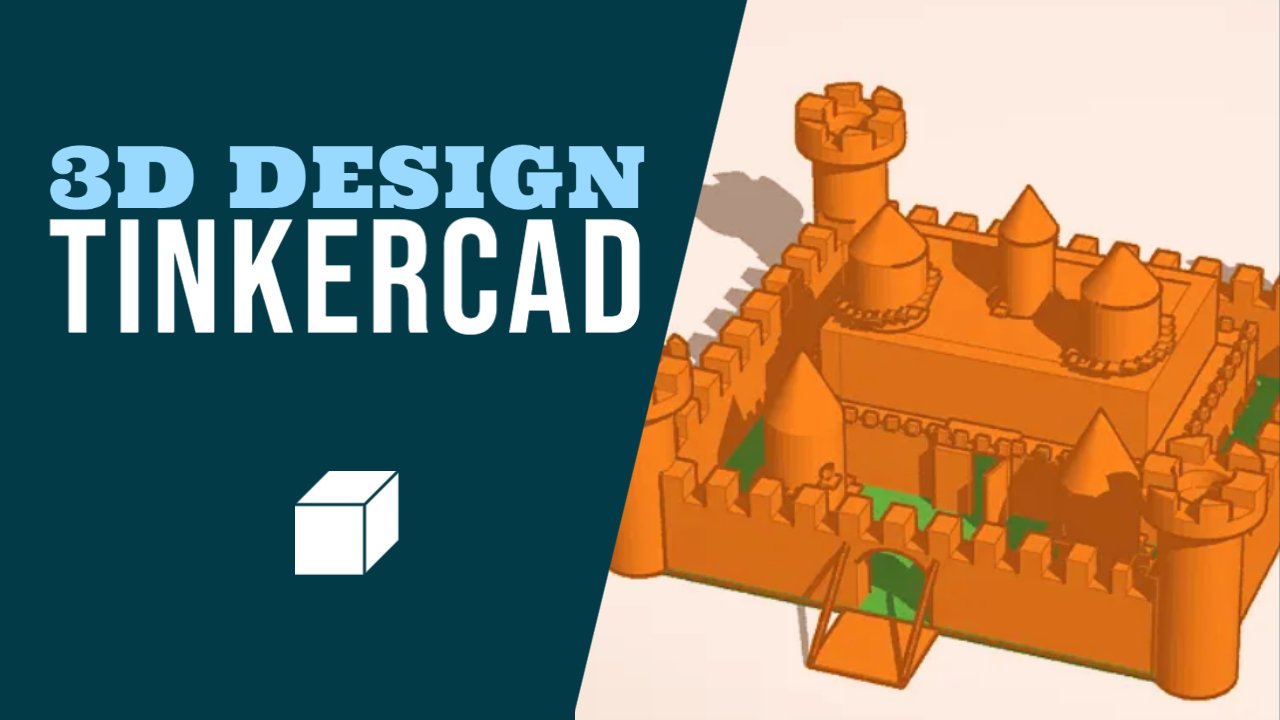

TinkerCAD is a free, browser-based 3D design platform from Autodesk where kids drag and drop shapes to build whatever they can imagine, then export designs for 3D printing. Beyond 3D modeling, it includes a Circuits module for simulating electronic circuits with virtual Arduino boards, and a Codeblocks module where kids write block-based code to generate parametric 3D designs. Teachers can set up classrooms to manage student projects.
TinkerCAD stands out for developmental impact across multiple literacies. It builds agency, cognitive skills. The main growth opportunity: TinkerCAD doesn't build persistence.
Strengths & gaps
Strengths
- ● TinkerCAD is a genuine creation tool. Kids open a blank workspace and build original 3D objects from scratch. No templates, no predetermined outcomes, no prescribed sequence.
- ● Three distinct modules (3D Design, Circuits, Codeblocks) create unusual breadth for a free tool. A kid can design a physical object, simulate an Arduino circuit, and write parametric code in the same platform.
- ● Academic research supports TinkerCAD's developmental value. Studies found it enhances spatial thinking, computational thinking, and creative expression in children as young as elementary age.
Gaps
- ○ TinkerCAD doesn't build persistence. The interface is deliberately frictionless (auto-save, unlimited undo, instant preview), which is great for usability but removes the productive struggle that builds frustration tolerance.
- ○ Connection is absent. TinkerCAD is a solo tool. Any collaboration or social learning depends entirely on the teacher or parent adding that context.
Detailed scores
How TinkerCAD performs on each of the 9 literacies in our framework.
Doing
— 1 of 3 Strong
TinkerCAD opens to a blank workspace. The child decides what to build, how to build it, and when it's done. There is no curriculum, no prescribed sequence, no "right answer." Common Sense Education noted it supports "challenge-based lessons where students design a solution to an authentic problem from their community." The child creates a tangible artifact they own and can 3D print.
3D design involves genuine spatial reasoning challenges. Research identified that children struggle with perspective-changing and spatial visualization in TinkerCAD. But the platform is designed to be forgiving: auto-save, unlimited undo, instant visual preview. There is no "failure" state. Challenge comes from design complexity, not from TinkerCAD's mechanics.
TinkerCAD's three modules require fundamentally different thinking. 3D Design is spatial manipulation. Circuits is electronic logic. Codeblocks is parametric programming. Moving between them forces genuine context-switching. But TinkerCAD doesn't explicitly prompt metacognition or self-reflection about learning strategies.
Thinking
— 2 of 3 Strong
TinkerCAD is an exploration sandbox. Each module creates "what if?" moments: What if I combine these shapes? What happens when I connect these circuit components? What does this code generate? The Circuits simulator especially rewards investigation, letting kids test electronic designs without physical components. One teacher wrote: "Tinkercad enables creativity. This brings that presence back."
TinkerCAD provides tools, not templates. Kids start from nothing and build original 3D objects by combining, resizing, and modifying shapes. Research found TinkerCAD gave students "the opportunity to express their creativity and imagination in a concrete way." The Codeblocks module adds a different creative modality: procedural design through code. Revision is natural to the workflow.
Design decisions in TinkerCAD require evaluating which approach achieves the desired outcome. Spatial reasoning is genuine analytical thinking. The Circuits module involves real cause-and-effect logic. But TinkerCAD doesn't develop judgment in the broader sense: no competing perspectives, no source evaluation, no ethical reasoning.
Being
— 0 of 3 Strong
TinkerCAD is a solo design tool. Classroom management features let teachers organize student work, but TinkerCAD itself has no built-in collaboration, communication, or social interaction. Connection is outside its scope.
TinkerCAD is designed to minimize frustration, not create it. Auto-save, instant preview, and unlimited undo mean there is no productive emotional challenge built into the experience. Kids may feel frustrated by complex designs, but TinkerCAD provides no scaffolding for managing that emotion. No delayed gratification structure exists.
TinkerCAD connects to real-world making through 3D printing. Kids can hold what they designed. The three modules support genuine interest discovery: a child might find they love circuits but not 3D modeling. But Purpose isn't intentional in TinkerCAD's design. There is no values engagement, no prosocial dimension, and no identity exploration unless a teacher adds that layer.
Based on 10 sources
- Product link.springer.com — s40751 023 00129
- Review commonsense.org — tinkercad
- Product dl.acm.org — 3459990.
- Product tandfonline.com — 02635143.2024.
- Product sonary.com — tinkercad+cad
- Product certiport.pearsonvue.com — Meet the new Autodesk Tinkercad certification.aspx
- Product g2.com — reviews
- Product capterra.com — reviews
- Product medium.com — tinkercad for kids unleash creativity and innovation with this free 3d design tool a ac661fea89fc
- Product puzzleshiftcreate.com — best 3d modeling for kids program tinkercad
Reviewed by New Literacies
Scored by our research-derived framework · AI-assisted analysis with editorial review · 10 sources reviewed · Our methodology →
Get the next guide before it goes live
One email when a new product review ships.
Free. No spam. Unsubscribe anytime.
See other products strong in the same literacies: