
Sphero
Ages 5-14 · paid · Product · sphero.com ↗
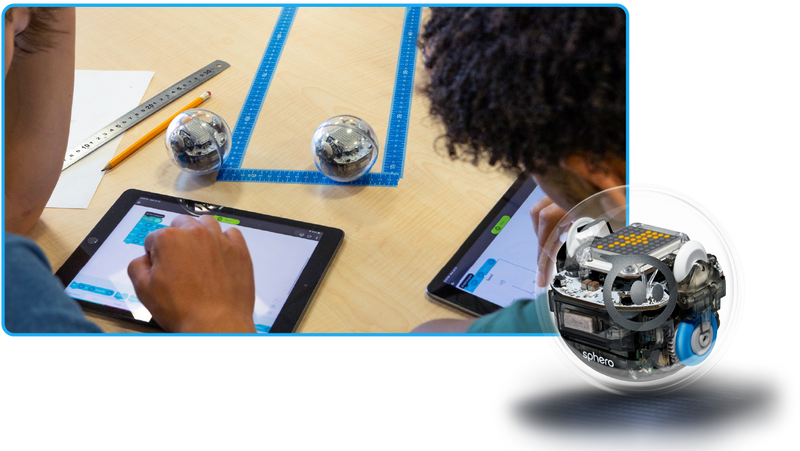
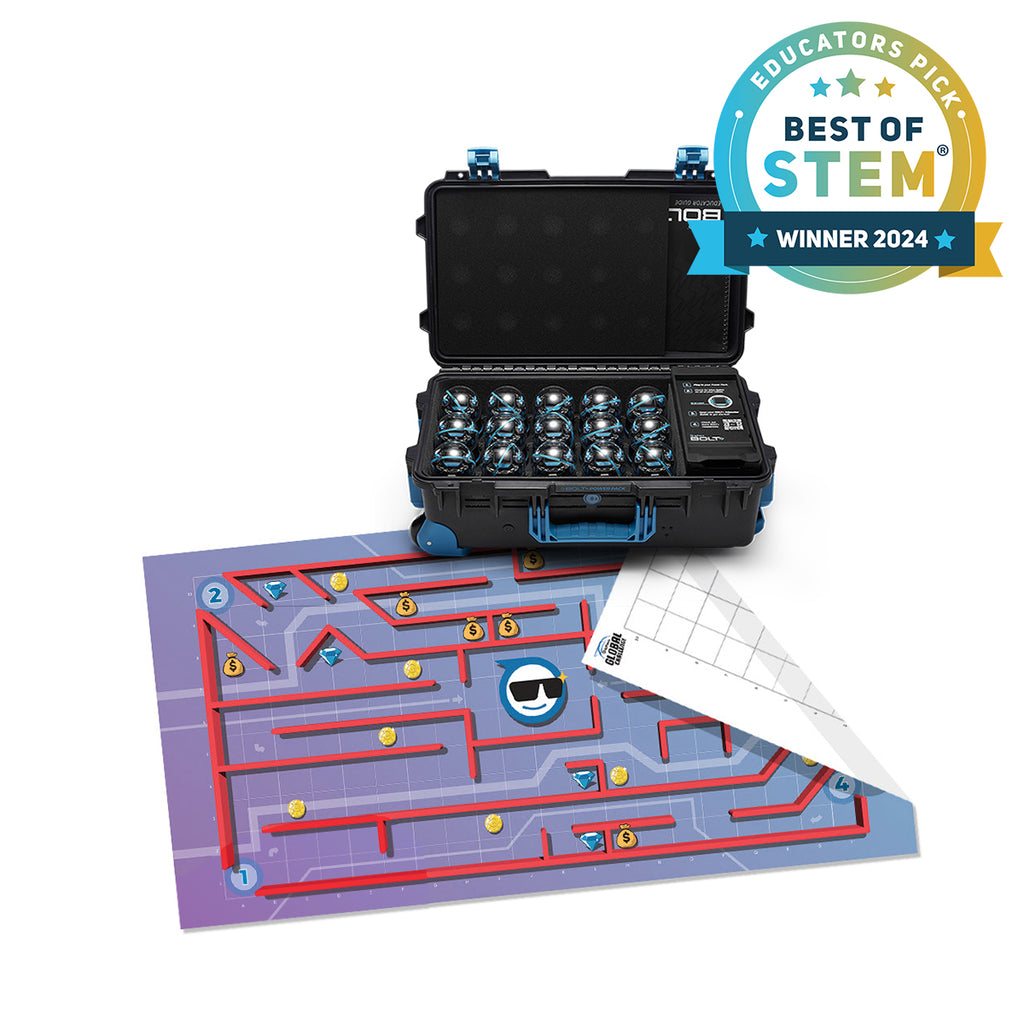
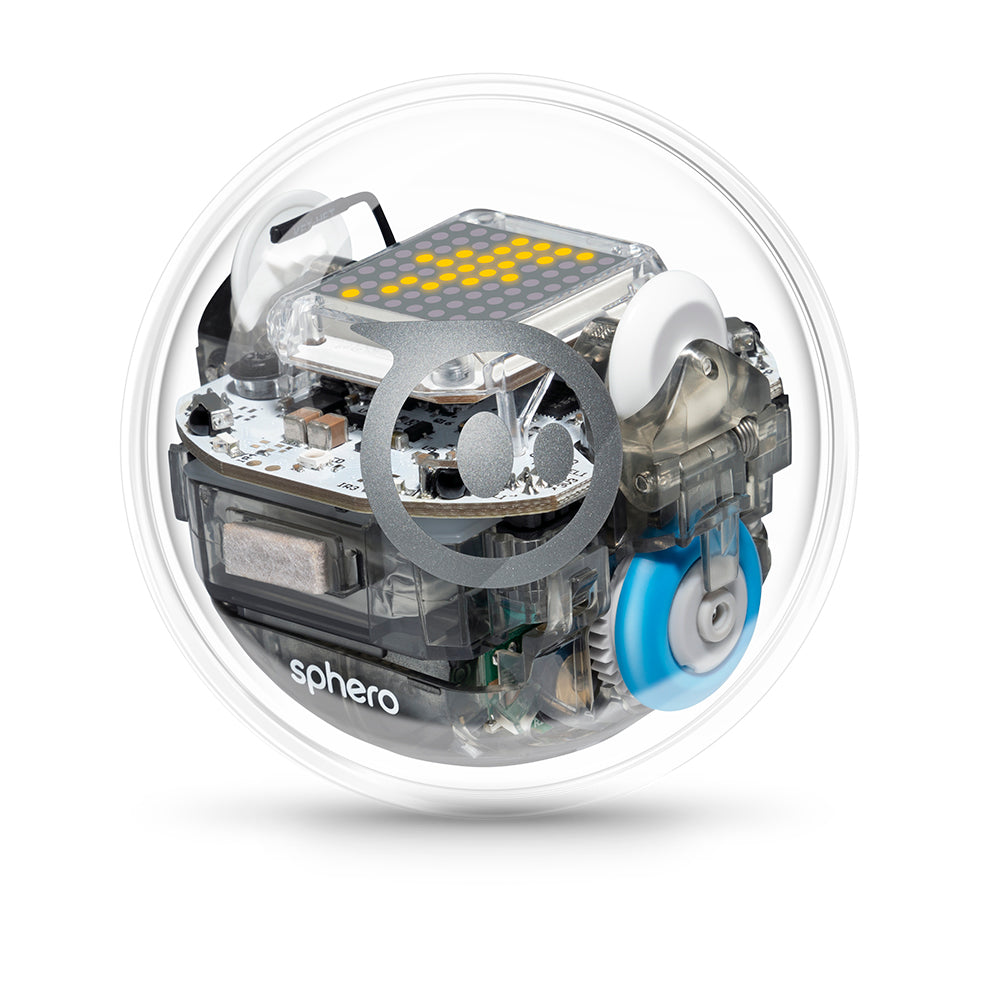

Sphero BOLT is a baseball-sized programmable robot that kids control by writing code on a tablet or computer. They draw paths, snap together block commands, or write JavaScript/Python to make the robot roll, spin, flash its LED matrix, and respond to sensors — then watch it execute (or fail) on the floor in front of them. Most kids use it in classrooms with a partner, working through challenges like maze navigation, sensor-triggered behaviors, or cross-curricular projects in math and science.
Sphero stands out for developmental impact across multiple literacies. It builds action and persistence, cognitive skills. The main growth opportunity: connection is real, but it depends on classroom structure. At home, Sphero is often a one-kid experience.
Full review
Sphero turns coding into a physical debug loop. Kids program a robot, watch it miss, and fix it.
Strengths & gaps
Strengths
- ● Sphero's strongest developmental move is the physical debug loop. The robot makes mistakes visible, which keeps kids from treating code as something abstract or disposable.
- ● Agency, Creativity, and Persistence reinforce each other. Kids choose the behavior, test it, break it, and try again.
- ● The classroom materials are broad enough to support math, science, ELA, and robotics. That makes the product useful beyond a single coding lesson.
Gaps
- ○ Connection is real, but it depends on classroom structure. At home, Sphero is often a one-kid experience.
- ○ Purpose stays indirect. Sphero talks about future skills and confidence, but it does not clearly connect effort to service, values, or contribution.
- ○ The product assumes some frustration tolerance. It gives kids hard problems, not coping tools.
Detailed scores
How Sphero performs on each of the 9 literacies in our framework.
Doing
— 3 of 3 Strong
Sphero puts the child in charge of what the robot does. The BOLT+ page offers Draw, Block, and Text programming, plus open-ended prompts like stories and real-world challenges. That gives kids genuine control over the outcome, not just the path.
Persistence is built into the physical feedback loop. When the robot turns wrong or misses a target, the problem is visible and the child has to keep going until the code works. Common Sense and teacher reviews both show the frustration-and-fix cycle clearly.
Sphero forces kids to adapt when the environment changes. A program that works on one surface can fail on another, and the child has to adjust code, timing, or sensor use. Moving between Draw, Block, and Text modes adds another layer of strategy switching.
Thinking
— 2 of 3 Strong
Sphero keeps asking questions open. Sensors, LED feedback, and code mats all create moments where the child wants to know what happens next. That turns coding into exploration instead of just execution.
Sphero is a blank canvas with physical constraints. Kids can build games, stories, art, and navigation challenges, and no two solutions have to look alike. The robot invites invention instead of template-following.
Sphero asks kids to make useful technical decisions. They have to choose timing, structure, and sensor logic. But the product stops short of broader judgment work like weighing competing evidence or evaluating values.
Being
— 0 of 3 Strong
Sphero can be collaborative, especially in classrooms where one robot is shared by two students. The official materials and community resources support pair programming and group challenge work. But the product still works fine as a solo activity, so connection is not guaranteed by design.
The robot creates real frustration when code fails. Kids have to manage that feeling if they want to keep debugging. But Sphero does not teach coping skills, so the regulation work is mostly practice through repetition.
Sphero helps some kids start to see themselves as builders or coders. Its future-skills framing is real, and the classroom materials connect the work to school subjects. Still, purpose stays a little external because the product does not clearly tie effort to values or contribution.
Based on 11 sources
- Research sebhau.edu.ly —
- Research digitalcommons.usu.edu —
- Review commonsense.org — sphero edu
- Review commonsense.org —
- Product sphero.com — sphero bolt plus
- Product sphero.com — apps
- Product help.sphero.com — sphero edu device compatibility
- Product sphero.com — about us
- Product sphero.com — sphero bolt resources
- Product peer.asee.org — workshop interfacing matlab with sphero robots for an introduction to programming class
- Product edtechmagazine.com — sphero littlebits and other robots bring technology life
Reviewed by New Literacies
Scored by our research-derived framework · AI-assisted analysis with editorial review · 11 sources reviewed · Our methodology →
Get the next guide before it goes live
One email when a new product review ships.
Free. No spam. Unsubscribe anytime.
See other products strong in the same literacies: