Canva for Education
Ages 8-18 · free · Product · canva.com ↗
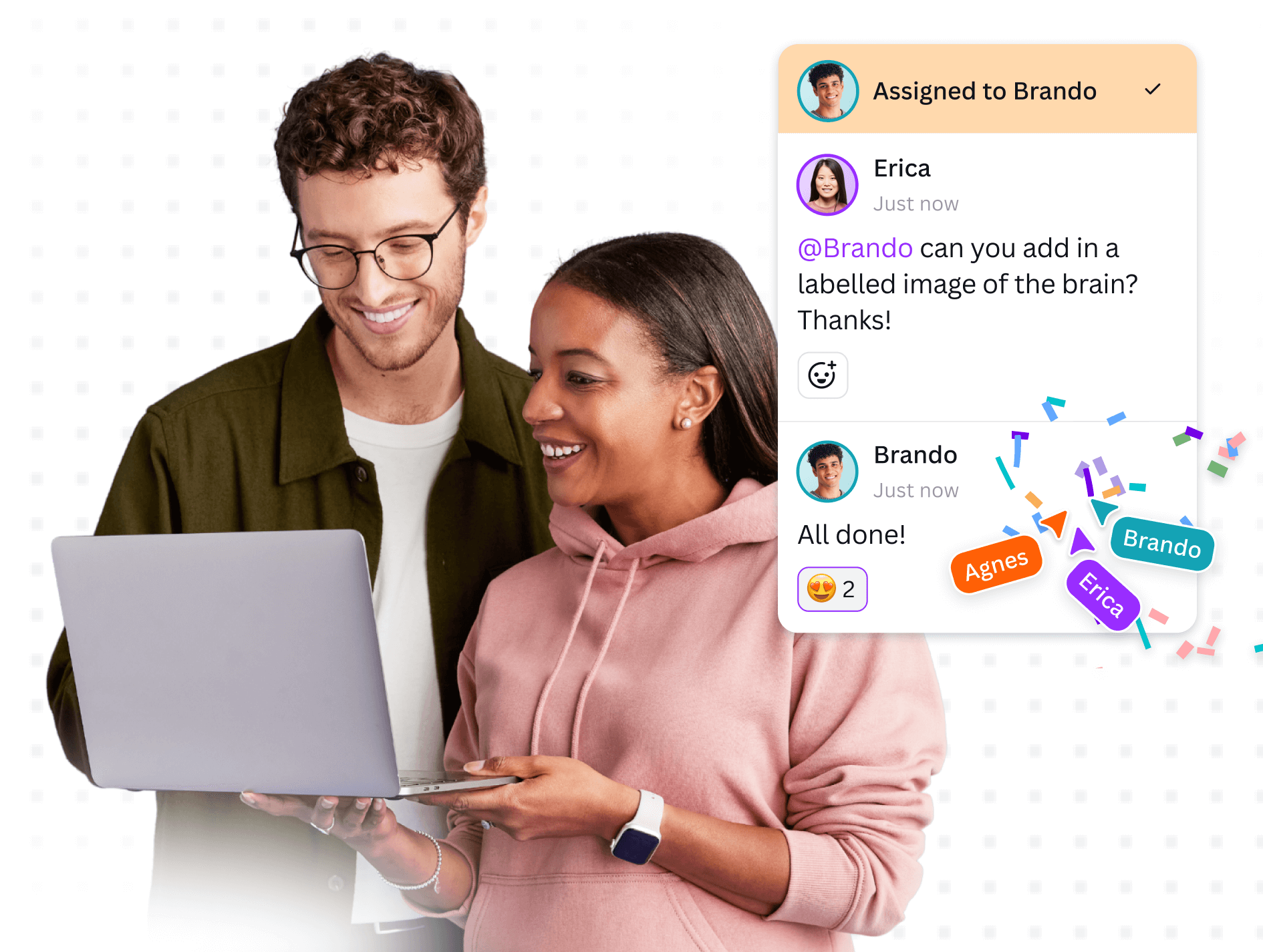
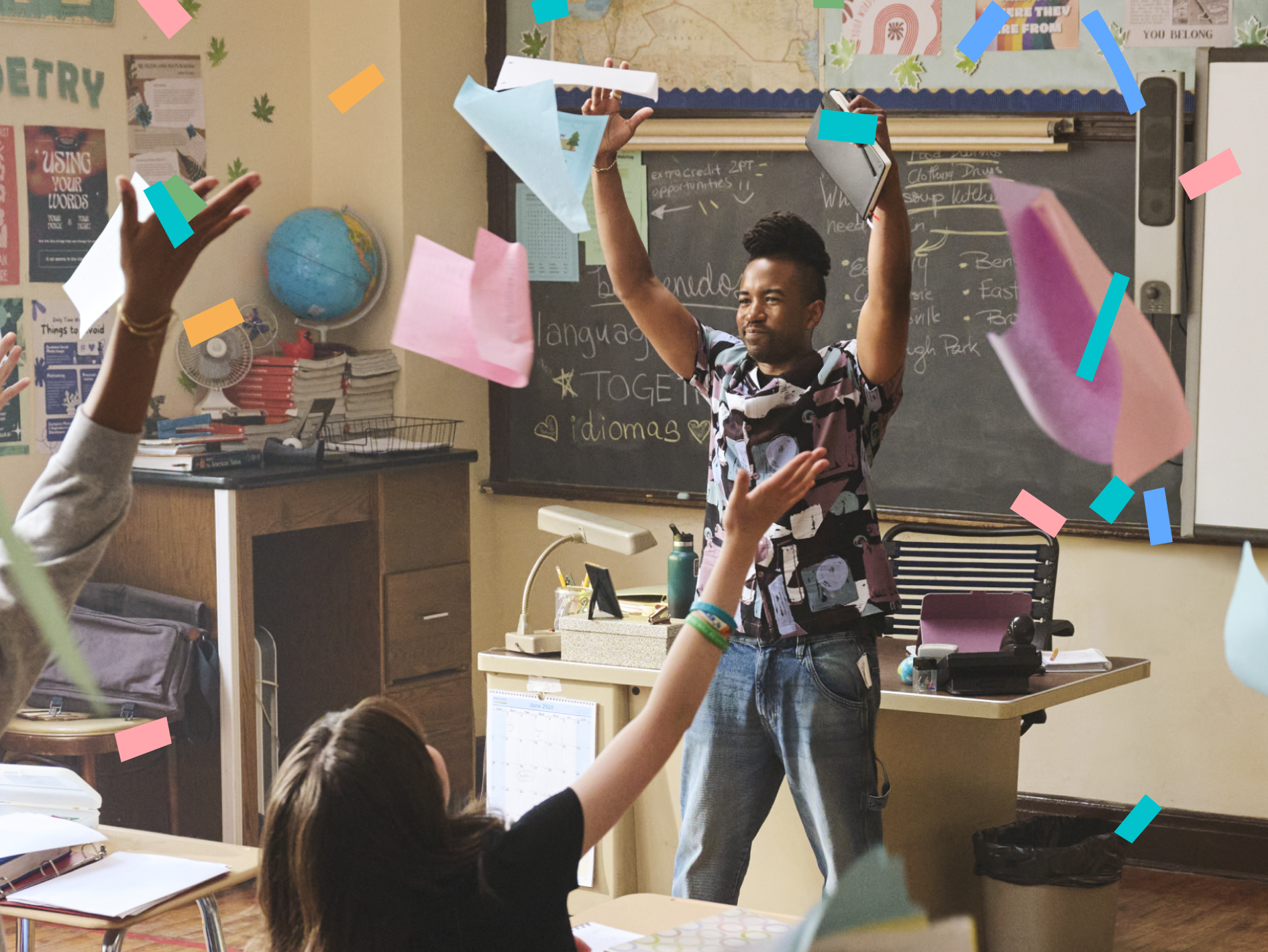
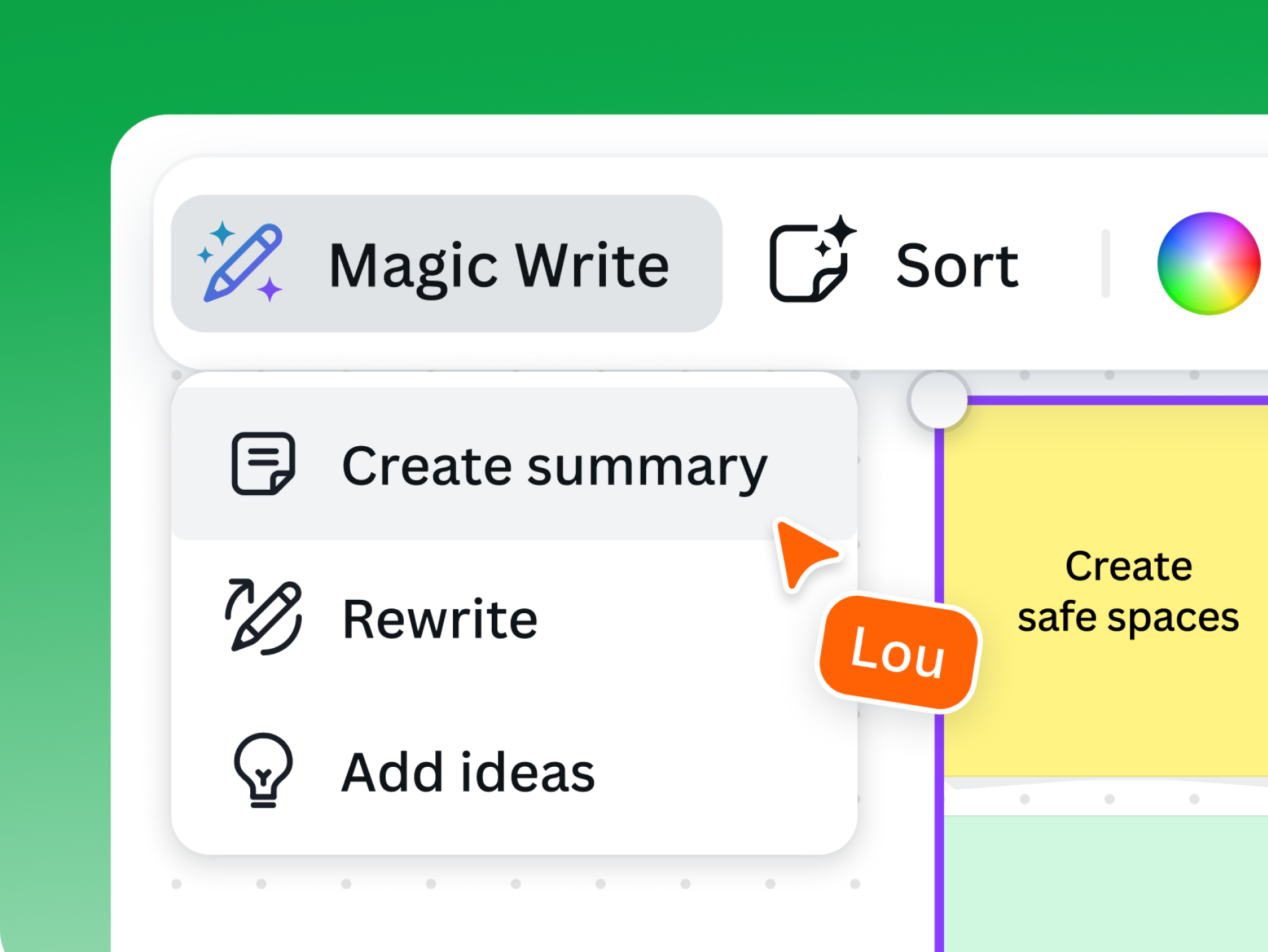
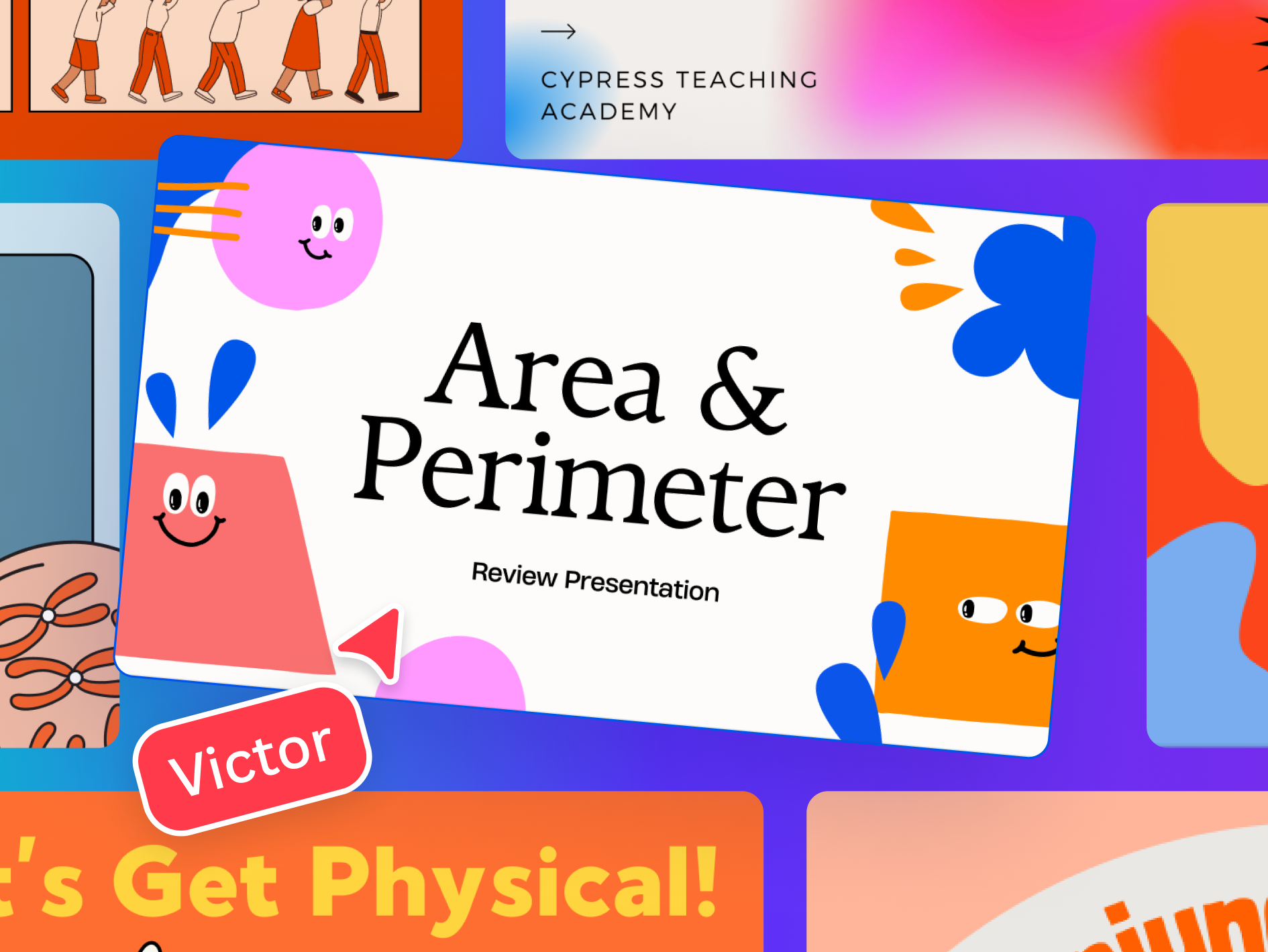
Canva for Education is a classroom design workspace. Students and teachers use it to make presentations, posters, worksheets, infographics, whiteboards, videos, and websites from templates or from scratch. It also supports real-time collaboration, comments, shared class spaces, and optional AI helpers like Magic Write. The product is built to make visual work easy to start and easy to share. In practice, that means a child can move from an idea to a polished class-ready design without needing separate software.
Canva for Education stands out for developmental impact across multiple literacies. It builds agency, creativity, connection. The main growth opportunity: purpose is not central. The product helps kids publish work, but it doesn't connect that work to values or service.
Full review
The NL Score measures developmental capacity-building, not product quality.
Strengths & gaps
Strengths
- ● Canva for Education is strongest for Agency, Creativity, and Connection. Kids make real design choices and can work together live.
- ● It handles a lot of classroom work in one place. Presentations, posters, docs, and videos all sit in the same workflow.
- ● It is easy to start. Templates lower friction, but students can still make something original.
Gaps
- ○ Purpose is not central. The product helps kids publish work, but it doesn't connect that work to values or service.
- ○ Persistence is present, but light. Canva supports revision more than it demands it.
- ○ It is broad enough to be useful for many ages, but that also means it sometimes stays at the surface.
Detailed scores
How Canva for Education performs on each of the 9 literacies in our framework.
Doing
— 1 of 3 Strong
Canva for Education gives students real control over the thing they're making. They can start from scratch or choose a template, then decide how the final design should look and feel. That makes the child the author, not just the user.
Designs usually get better through revision, and Canva makes revision easy. Students can keep refining a draft after a teacher comment or after they notice something feels off. But the tool doesn't create hard failure or deep productive struggle. It supports follow-through without making persistence the point.
The product lets students move across many formats. A single classroom idea can become a poster, video, infographic, worksheet, or whiteboard activity. That's useful flexibility, but it's still all inside one design environment. The child adapts the format more than the strategy.
Thinking
— 1 of 3 Strong
Canva can make a class project more interesting by turning it into something visual and shareable. Students may explore templates or media because the tool invites them to try. Still, the product mostly helps them present what they already know. It doesn't create a strong question-asking loop.
This is a real creation tool. Students build original visual work, not just fill in blanks, and Common Sense notes that the platform shifts into a learning tool when students collaborate and present their own work. The templates help with structure, but they don't remove authorship. Kids still make something that didn't exist before.
Students have to decide what looks right for their audience. They choose which text matters, which image supports the message, and how much detail the design needs. That is practical judgment, but it stays mostly at the level of presentation choices.
Being
— 1 of 3 Strong
Canva for Education is built around shared work. Students can collaborate in real time, leave comments, and work in class spaces with teachers and classmates. That makes connection part of the workflow, not a separate feature.
Working with comments and drafts requires patience. A student has to revise, wait, and keep going when the first version isn't finished. Canva gives practice with that rhythm, and Edutopia shows teachers using it for reflection and emotional mapping. But it doesn't explicitly teach coping. The regulation is embedded in the work.
Canva helps students present work to others, but the product doesn't itself connect that effort to identity or service. Purpose may come from the teacher's assignment. It's not central to the tool.
Based on 8 sources
- Research edutopia.org — canva culturally resopnsive teaching
- Research edutopia.org — adding academic focus sel high school
- Review commonsense.org — canva for education
- Review commonsense.org —
- Product canva.com — education
- Product canva.com — teachers
- Product canva.com — students
- Product canva.com — how to use canva for education
Reviewed by New Literacies
Scored by our research-derived framework · AI-assisted analysis with editorial review · 8 sources reviewed · Our methodology →
Get the next guide before it goes live
One email when a new product review ships.
Free. No spam. Unsubscribe anytime.
See other products strong in the same literacies: