
Apple Image Playground
Ages 6-12 · free · AI Product · apps.apple.com ↗
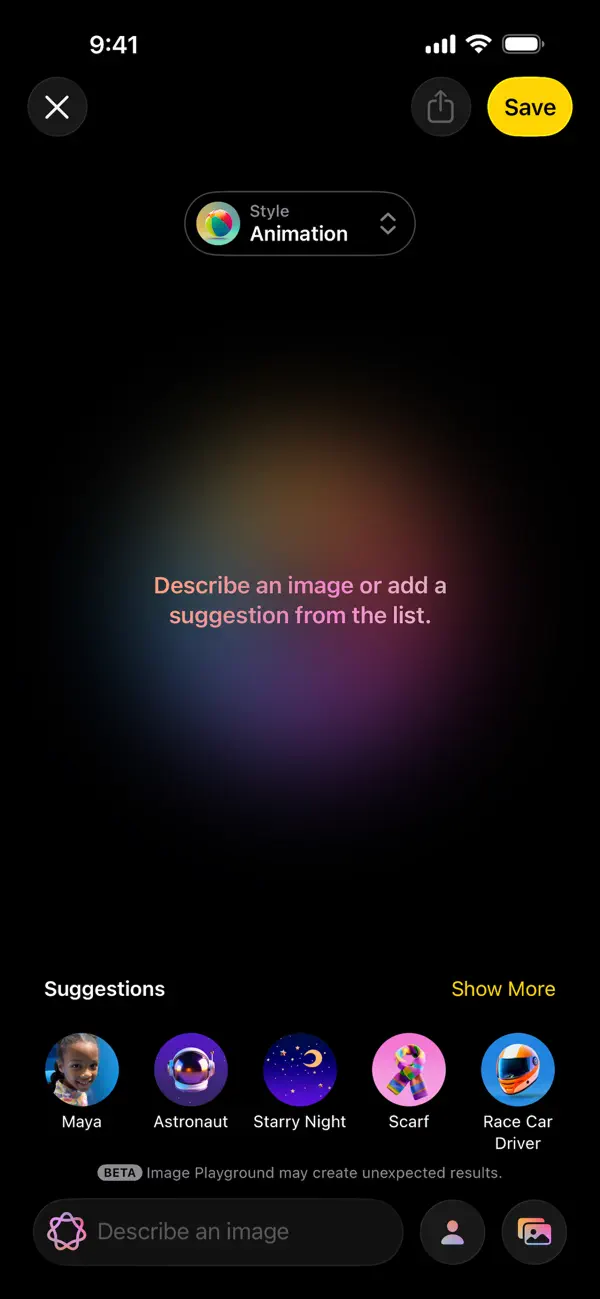
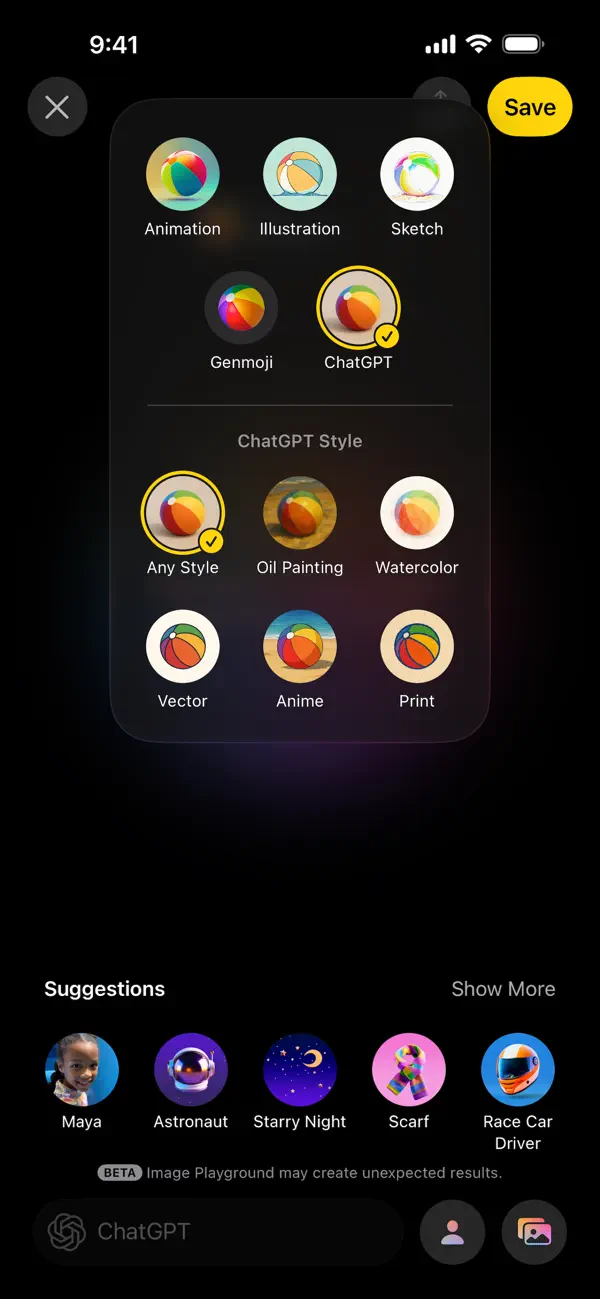

Image Playground is Apple's built-in AI image generator for Apple Intelligence devices. A child can describe a scene, add concept chips, use a person from the photo library, and swipe through generated pictures in Apple's house styles. It works as a standalone app and inside apps like Messages, Freeform, Pages, and Keynote.
We've reviewed Apple Image Playground against our 9-literacy developmental framework. The main growth opportunity: image Playground doesn't ask much persistence from the child. Most of the difficulty is removed.
Strengths & gaps
Strengths
- ● Image Playground is easy to enter. Kids can get from idea to image very quickly.
- ● The app supports playful experimentation with people, settings, and themes. That's useful for light creative play.
Gaps
- ○ Image Playground doesn't ask much persistence from the child. Most of the difficulty is removed.
- ○ The app automates too much visual craft to be a strong creativity builder.
- ○ Judgment stays weak because the tool shows outputs without teaching why they work or fail.
Detailed scores
How Apple Image Playground performs on each of the 9 literacies in our framework.
Doing
— 0 of 3 Strong
Image Playground lets the child start from their own prompt and choose what to keep. That's meaningful. But Apple defines the styles, the suggestions, and the generation rules, so agency is bounded.
Apple's own framing is about quick, easy creation. The child doesn't need to stay with a hard problem for long. That makes the app fun, but not strong for persistence.
Children can tweak prompts after a bad result. Still, that usually stays at a surface level. The product doesn't build the broader habit of changing strategies thoughtfully.
Thinking
— 0 of 3 Strong
Image Playground makes experimentation cheap. Kids can test combinations of people, themes, and settings quickly. The curiosity signal is real, but it mostly lives in brief novelty play.
The app can help children imagine scenes they wouldn't draw on their own. But Apple does the rendering, style, and much of the aesthetic work. That keeps creativity in the direction-giving range rather than full making.
Children can compare outputs, but the app doesn't teach visual judgment in a clear way. The weak user reviews also suggest the product often creates odd or low-quality images, which can turn the experience into guess-and-check rather than discernment.
Being
— 0 of 3 Strong
Image Playground isn't a relationship tool. Children can share images, but the core experience is solo generation.
The app is built around fast preview loops. That makes it easy to keep swiping instead of focusing, and Apple explicitly provides Screen Time controls for parents who want to block image creation features.
Image Playground can support school or family projects. The product itself doesn't create that purpose.
Based on 6 sources
Reviewed by New Literacies
Scored by our research-derived framework · AI-assisted analysis with editorial review · 6 sources reviewed · Our methodology →
Get the next guide before it goes live
One email when a new product review ships.
Free. No spam. Unsubscribe anytime.